7 Tips for Buying Smart Double-Sided Screens
Choosing Smart Double-Sided Screens is not just a matter of picking the brightest panel or the sharpest-looking display. The right unit must fit its location, audience, operating hours, and maintenance plan. A screen in a sunlit shop window faces different demands from one inside a quiet mall corridor. Small details matter.
Before comparing prices, buyers should check brightness, viewing angles, resolution, and whether each side can show separate content. They should also confirm power use, heat management, mounting options, network requirements, and compatibility with existing content tools. Ask for measured specifications and a demonstration under conditions close to the intended installation. A glossy showroom demo can hide glare, weak contrast, or awkward service access. That happens. Check ambient light at different hours, and inspect sightlines from the actual customer approach, not only from directly in front.
Reliable purchasing also means looking beyond the initial quote. Review warranty coverage, replacement-part availability, remote monitoring, installation support, and the provider’s experience with similar deployments. Ask who handles software updates and what happens if one panel fails. Compare total ownership costs, including energy, connectivity, maintenance visits, and potential downtime. These seven tips will help readers compare products with practical questions rather than marketing claims. There is no perfect screen for every site; I would still revisit the assumptions after a real-world trial. That pause can save money.
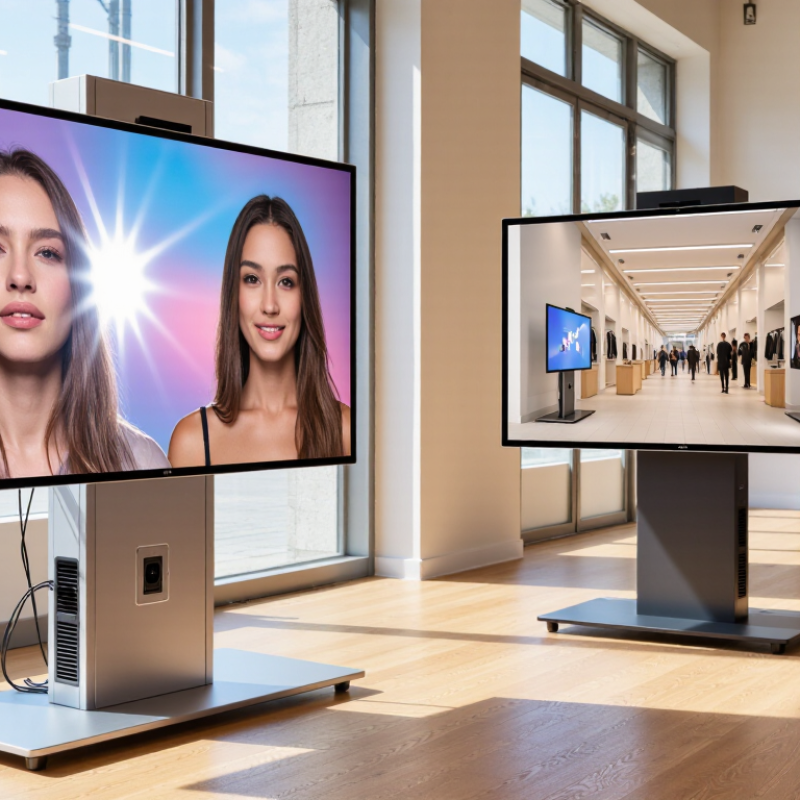
Understand the Functions of Smart Double-Sided Screens
Smart double-sided screens display content on both the front and rear surfaces, letting one unit serve viewers approaching from opposite directions. Depending on the model, each side may show separate playlists or mirrored content. In a shop window, promotions could face outside while opening hours face customers indoors. Check whether both panels offer comparable resolution and brightness. Not every model does.
Many systems support scheduled playback, remote updates, and basic status checks through management software. Schedules can change content by hour, while network access may save staff from reaching a high-mounted display. Some screens also include automatic brightness adjustment, touch interaction, or sensors. Treat these as optional functions, not assumptions. A sunny window can wash out an image. Check visibility from the actual viewing angles.
Before buying, ask how heat is managed between two active panels, which connections are available, and whether updates can be made locally if the network fails. Test a video and small text on both faces. Look closely. I would not choose by screen size alone; installation depth, glare, and maintenance access affect daily use. A specification sheet rarely captures every reflection or awkward viewing angle.
Define Your Use Case and Installation Requirements
Before choosing a double-sided screen, define who should see each face and from where. A shop window may need one bright, daylight-facing side and a calmer indoor side. A corridor installation may serve people approaching from opposite directions. Measure viewing distance, sightlines, and nearby obstacles, including door swings and hanging signs. Small details matter. Real sites are messier.
Then check the installation itself: available power, network access, mounting strength, ventilation, and service access. Two active displays can create more heat and require more maintenance than a single screen. Confirm the screen’s operating conditions against the actual location, not just a showroom demonstration. Grand View Research estimated the global digital signage market at USD 28.83 billion in 2023 and projected an 8.1% compound annual growth rate from 2024 to 2030. That growth signals wider adoption, but it does not mean every site needs two-sided hardware. A paper floor plan can still miss glare at 3 p.m.; test sightlines on-site before approving the installation.
Compare Display Quality, Connectivity, and Smart Features
A double-sided screen must look clear from both directions, not just from a product photo. Check resolution, brightness, and viewing angles, especially if people will approach from the side. Compare the image in a bright showroom and under softer indoor lighting. Small details matter.
Connectivity affects daily use. Check for the ports and wireless options your setup needs, then confirm how content is uploaded and scheduled. If the screen relies on Wi-Fi, test it where the display will actually sit; a strong signal at the router may not reach a shop window. Test both sides.
Smart features should solve real tasks, not simply inflate a specification sheet. Scheduling, remote updates, and screen monitoring can save time when displays are installed across several locations. Ask how software updates work and whether essential controls remain available if the network drops. I would not assume every advertised feature is useful. A simple setup may be easier to maintain, though it can mean giving up some flexibility. Before buying, try the interface yourself and check that routine changes take only a few clear steps.
Estimate Total Cost and Verify Key Specifications
A low purchase price can hide costs that appear after delivery. Ask for an itemized estimate before comparing quotes. Include the screen, controller, mounting structure, cabling, shipping, installation, taxes, and any required content software. Then estimate electricity use and routine service costs over the planned operating life. Small costs add up. A heavy ceiling mount, for example, may need extra labor or a site visit. Check whether the quote assumes indoor use, your actual viewing distance, and the available power supply.
Verify each display face separately; double-sided units may use different panels or brightness settings. Request exact active dimensions, pixel pitch, resolution, brightness in nits, refresh rate, and viewing angle. Ask whether brightness figures apply to both sides at the same time. A specification sheet is useful, but measurements or a live demonstration are better evidence. Look at small text and moving images from the distance customers will stand. Numbers need context. A bright panel can still look washed out beside a sunlit window.
Check the stated operating temperature, ventilation needs, warranty coverage, and replacement-part availability. Ask what labor is excluded and how long repairs typically take. If possible, compare a written quote with a sample running your own content. I would leave room in the budget for a few surprises; installation conditions are not always as neat as drawings suggest.